
This integration allows participants to schedule mentoring sessions using Google Calendar and automatically generate Google Meet links.
Prerequisites
- Admin access to Qooper
- Google account (Google Workspace or Gmail)
Steps to Enable Integration
- Sign in to your Admin Dashboard at platform.qooper.io.
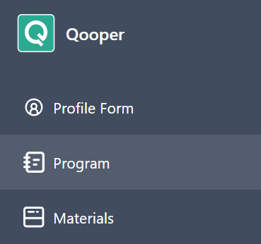
- Navigate to the Program section
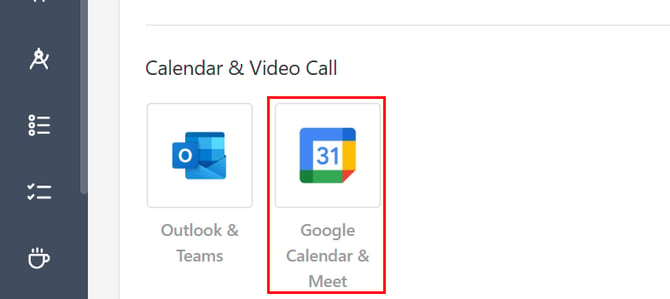
- Scroll down to the Calendar & Video Call section.
- Click the Google Calendar & Meet logo to activate the integration.
After Activation
Once enabled, participants will be able to connect their Google accounts from their Qooper profiles. After connecting, they can:
- Schedule sessions using Google Calendar
- Automatically generate Google Meet links for meetings